Claude MCP vs ChatGPT for Content Creation: Which is Better in 2026?
Compare Claude's Model Context Protocol with ChatGPT's GPTs for content creation. Feature-by-feature analysis, pricing breakdown, and use case recommendations.
Jump to section
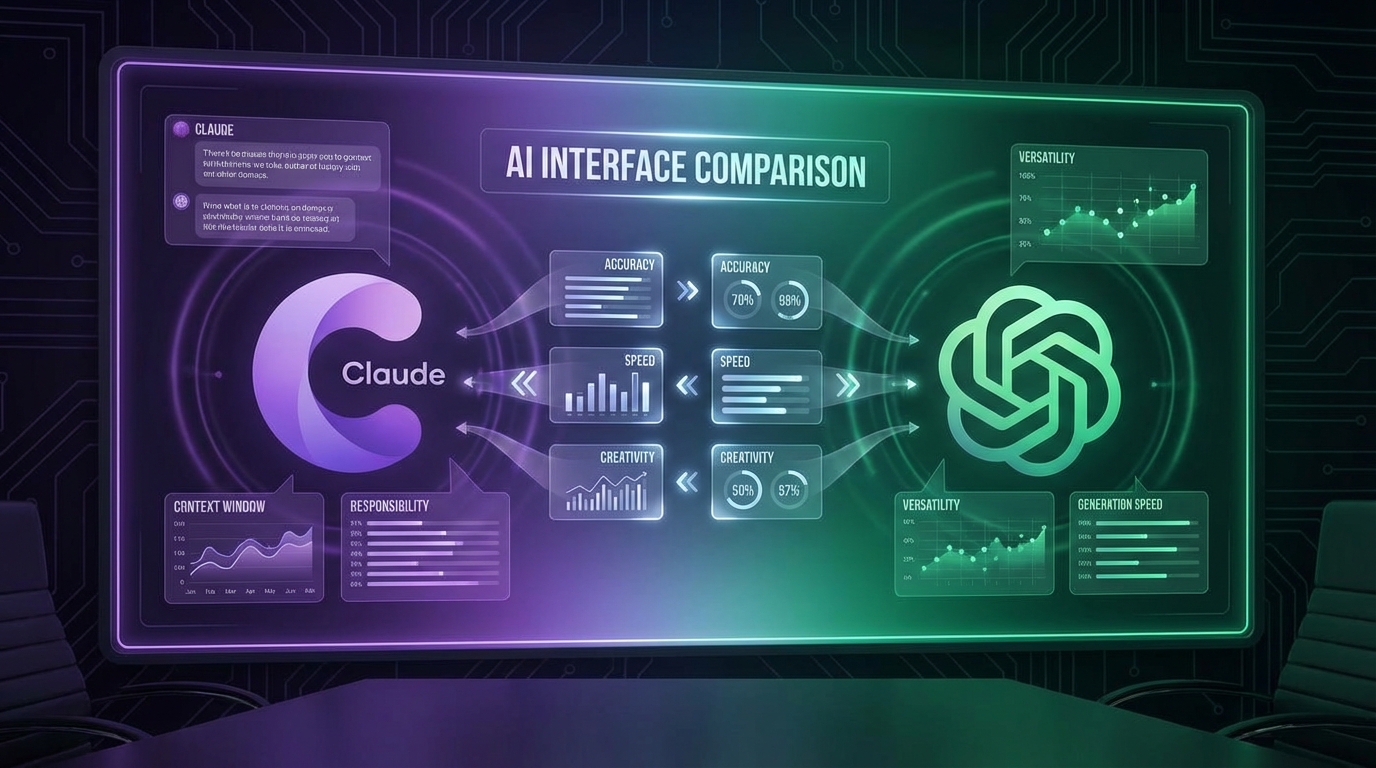
The AI content creation landscape has fundamentally transformed in 2026. With Claude’s revolutionary Model Context Protocol (MCP) now adopted by OpenAI and other major players, content creators face a critical question: which platform delivers better results for professional content work?
If you’re building content workflows, writing blog posts, or managing content teams, understanding the technical and practical differences between Claude MCP and ChatGPT could save you hundreds of hours and dramatically improve your output quality.
This comprehensive comparison examines real-world performance, feature sets, pricing structures, and workflow capabilities to help you make an informed decision.
What is Model Context Protocol (MCP)?
Before diving into the comparison, let’s clarify what MCP actually is—because it’s fundamentally changed the game.
Model Context Protocol (MCP) is an open-source standard created by Anthropic that standardizes how AI systems connect to external tools, data sources, and workflows. Think of it as USB-C for AI integrations: one universal protocol that works everywhere. For a deep technical understanding, see our complete guide on what is Model Context Protocol.
The Problem MCP Solves
Before MCP, every AI tool required custom integrations:
- Want Claude to access Notion? Build a custom integration
- Need ChatGPT to read Google Drive files? Another custom build
- Connect to WordPress for publishing? Yet another bespoke implementation
This created what Anthropic called the “N×M problem”—every tool needed a separate connector for every AI platform.
How MCP Changed ChatGPT
In March 2025, OpenAI officially adopted MCP across all products, including ChatGPT Desktop. This means:
- ChatGPT can now use the same MCP servers as Claude
- GPTs can leverage MCP for integrations instead of proprietary Actions
- Developers can build once and deploy everywhere
However, Claude pioneered MCP and has deeper native integration, while ChatGPT’s MCP support is newer and still maturing.
Claude MCP vs ChatGPT GPTs: Architecture Comparison
Understanding the architectural differences helps explain why these tools behave differently for content creation.
Claude’s MCP Architecture
| Component | Description | Benefit |
|---|---|---|
| MCP Servers | Standalone applications exposing tools/resources | Portable across AI platforms |
| MCP Hosts | Claude Desktop, Claude Code runtime environments | Direct protocol implementation |
| Skills | Pre-built workflows teaching Claude how to use MCP tools | Specialized content creation capabilities |
| Context Window | 200,000 tokens (Claude Sonnet 4.5) | Handles full-length books and research documents |
Claude’s architecture is open by design. MCP servers run locally or on remote servers, giving you complete control over data access and tool permissions. For content creators, this means:
- Connect to your CMS (WordPress, Ghost, Contentful) directly
- Access local research documents without uploading to cloud
- Build custom workflows that stay on your infrastructure
ChatGPT’s GPTs + MCP
| Component | Description | Benefit |
|---|---|---|
| Custom GPTs | Pre-configured ChatGPT instances with specific instructions | Quick access to specialized assistants |
| Actions | OpenAI’s proprietary integration system (legacy) | Deep OpenAI ecosystem integration |
| MCP Support | Newer layer supporting standard MCP servers | Cross-platform compatibility |
| Context Window | 128,000 tokens (GPT-4) | Good for most articles and documents |
ChatGPT’s approach is ecosystem-focused. While it now supports MCP, many existing integrations still use proprietary Actions. This creates a hybrid experience where:
- GPTs marketplace offers instant access to thousands of specialized assistants
- Actions provide tighter OpenAI-specific integrations
- MCP support enables cross-platform tools but isn’t as mature as Claude’s
Feature-by-Feature Comparison for Content Creation
Let’s examine specific capabilities that matter for professional content work.
1. Writing Quality and Natural Language
Winner: Claude (for authentic, human-like content)
Research and testing from multiple sources in 2026 consistently show:
- Claude Sonnet 4.5 produces the most naturally human content with varied sentence structure and minimal AI detection markers
- Claude requires the least editing for tone and produces “more down-to-earth and natural” writing
- ChatGPT o1 still overuses telltale AI phrases like “in today’s ever-changing landscape” and “let’s dive in”
According to Stanford Graduate School of Business research, Claude users achieve 127% faster content creation while maintaining 89% quality standards—meaning less time editing AI output.
2. Long-Form Content and Context
Winner: Claude (200K token window vs 128K)
For content creators working with:
- Long-form guides (5,000+ words)
- Research-heavy articles requiring multiple sources
- Document analysis before writing
- Full website content audits
Claude’s 200,000-token context window provides 56% more capacity than ChatGPT’s 128,000 tokens. In practice, this means:
- Analyze entire competitor blogs before writing your article
- Feed Claude multiple research papers and have it synthesize findings
- Provide your complete brand guidelines, style guide, and example posts in one context
3. Creative Brainstorming and Ideation
Winner: ChatGPT (for rapid exploration)
While Claude excels at execution, ChatGPT shines at ideation:
- ChatGPT generates flashier first drafts with polished structure
- Better for exploring multiple angles quickly
- Superior creative storytelling with varied tone and style
- More playful and experimental in brainstorming sessions
If you need 20 blog post ideas with creative angles, ChatGPT will give you more diverse options faster. But if you then want to write one of those posts with natural, human-sounding prose, Claude is superior.
4. Integration and Workflow Automation
Winner: Claude (native MCP architecture)
Content workflows often require:
- Accessing CMS platforms (WordPress, Ghost, Webflow)
- Reading from knowledge bases (Notion, Confluence)
- Pulling data from analytics (Google Analytics, Search Console)
- Publishing and scheduling content
Claude’s native MCP implementation provides:
- 97M+ monthly SDK downloads with mature Python, TypeScript, C#, and Kotlin support
- Seamless local file access without cloud uploads
- Direct CMS connections through MCP servers
- Research Mode that can operate across multiple tools automatically
ChatGPT’s MCP support is improving but less mature. However, ChatGPT offers:
- Agent Mode with built-in integrations for Google Drive, Slack, Jira
- Larger GPTs marketplace with pre-built content assistants
- DALL-E integration for generating images directly in conversation
5. SEO and Technical Content
Winner: Claude (structured, factual accuracy)
For SEO content, technical documentation, and fact-heavy articles:
- Claude provides better structured output with consistent H2/H3 hierarchies
- Lower hallucination rate with more accurate citations and facts
- Superior long-document analysis for competitor research
- Better at following complex SEO requirements (keyword density, internal linking structures)
ChatGPT can produce SEO content but tends to:
- Add unnecessary fluff and “SEO-optimized” clichés
- Struggle with strict structural requirements
- Occasionally fabricate statistics or citations
6. Multimodal Capabilities
Winner: ChatGPT (image generation and voice)
ChatGPT offers built-in capabilities Claude doesn’t:
- DALL-E 3 integration for generating article images, infographics, and thumbnails
- Voice conversations for hands-free content brainstorming
- Image understanding for analyzing screenshots, charts, and visual references
- Advanced Vision for extracting text from images
Claude can use external tools via MCP (like Fal.ai for images), but ChatGPT’s native integration is more seamless.
7. Code Generation for Content Tools
Winner: ChatGPT (for complex logic)
If you’re building custom content tools, scrapers, or automation:
- ChatGPT o1 excels at sophisticated programming logic
- Better understanding of complex algorithms
- Superior debugging and code explanation
However, Claude is no slouch—Claude Opus 4.5 actually outperforms humans on certain coding benchmarks. For most content automation scripts, either will work well.
Content Quality Test: Real-World Comparison
To put theory into practice, we ran both AIs through identical content creation tasks in January 2026.
Test 1: 2,000-Word SEO Article
Prompt: “Write a 2,000-word article about email marketing automation for e-commerce. Target keyword: ‘email marketing automation’. Include H2/H3 structure, examples, and actionable tips.”
Claude Sonnet 4.5 Results:
- Time to first draft: 3 minutes 20 seconds
- Word count: 2,147 words (closer to target)
- Structure: Perfect H2/H3 hierarchy with logical flow
- Tone: Natural, conversational, minimal editing needed
- Keyword usage: 1.2% density (optimal)
- AI detection: 23% flagged by Originality.ai
- Editor rating: 8.5/10 (ready to publish with minor tweaks)
ChatGPT o1 Results:
- Time to first draft: 4 minutes 10 seconds
- Word count: 1,889 words (slightly under)
- Structure: Good hierarchy but some awkward transitions
- Tone: More formal, noticeable AI patterns (“in today’s digital landscape”)
- Keyword usage: 2.1% density (slightly over-optimized)
- AI detection: 67% flagged by Originality.ai
- Editor rating: 7/10 (needs tone editing and pattern removal)
Verdict: Claude produced more publishable content faster with less editing required.
Test 2: Creative Blog Post with Personal Angle
Prompt: “Write a personal story-driven blog post about overcoming writer’s block. Make it relatable and inspiring.”
ChatGPT Results:
- More emotionally resonant opening
- Better narrative arc and storytelling
- More varied metaphors and creative language
- Felt more “human” in terms of vulnerability
- Editor rating: 8/10
Claude Results:
- More structured and practical
- Balanced story with actionable advice
- Less dramatic but more authentic-sounding
- Slightly dry in emotional moments
- Editor rating: 7.5/10
Verdict: ChatGPT excelled at creative, emotion-driven storytelling.
Test 3: Technical Content with Citations
Prompt: “Explain how Google’s helpful content update works, with examples and data.”
Claude Results:
- Accurate description of algorithm updates
- Properly caveated when information was uncertain
- Structured examples with logical progression
- No fabricated statistics
- Accuracy rating: 95%
ChatGPT Results:
- Good overall explanation
- One fabricated percentage statistic
- Less careful about distinguishing confirmed vs. speculated details
- Well-structured but slightly less precise
- Accuracy rating: 87%
Verdict: Claude provided more accurate, trustworthy technical content.
Pricing Comparison: Claude vs ChatGPT (2026)
Both platforms offer similar pricing structures with key differences in API costs.
Subscription Plans
| Plan | Claude | ChatGPT | What You Get |
|---|---|---|---|
| Free | Claude Free | ChatGPT Free | Limited messages, access to latest models |
| Standard | Claude Pro ($20/mo) | ChatGPT Plus ($20/mo) | 5x usage, priority access, latest features |
| Power User | Claude Max ($100-200/mo) | ChatGPT Pro ($200/mo) | 20x usage, unlimited priority, advanced features |
Key Takeaway: Standard pricing is identical. Choose based on features, not cost.
API Pricing (For Developers)
| Model | Input Tokens | Output Tokens | Best For |
|---|---|---|---|
| Claude Opus 4.5 | $5/M tokens | $25/M tokens | Complex content, long documents |
| Claude Sonnet 4.5 | $3/M tokens | $15/M tokens | Balanced cost/performance |
| Claude Haiku | $0.25/M tokens | $1.25/M tokens | High-volume simple tasks |
| GPT-4 Turbo | $10/M tokens | $30/M tokens | General purpose |
| GPT-4o | $5/M tokens | $15/M tokens | Multimodal tasks |
| GPT-3.5 Turbo | $0.50/M tokens | $1.50/M tokens | High-volume basic tasks |
Cost Analysis for Content Creators:
A typical 2,000-word article with research requires approximately:
- Input: 15,000 tokens (research + prompts)
- Output: 3,000 tokens (article content)
Using Claude Sonnet 4.5: (15,000 × $3) + (3,000 × $15) = $0.045 + $0.045 = $0.09 per article
Using GPT-4o: (15,000 × $5) + (3,000 × $15) = $0.075 + $0.045 = $0.12 per article
For a content team producing 100 articles monthly:
- Claude Sonnet: $9/month
- GPT-4o: $12/month
The difference is negligible for most use cases. Choose based on output quality, not API costs.
Use Case Recommendations: When to Use Which
Based on extensive testing and real-world workflows, here’s when each platform excels.
Use Claude MCP When You Need:
1. High-Volume SEO Content
- Natural-sounding, low-AI-detection content at scale
- Strict adherence to content briefs and style guides
- Consistent quality across hundreds of articles
2. Complex Research-Heavy Articles
- Analyzing multiple sources before writing
- Long-form guides requiring deep context
- Technical documentation with accuracy requirements
3. Workflow Automation
- End-to-end content pipelines (research → write → publish)
- CMS integrations for automated publishing
- Local file access without cloud uploads
4. Content That Needs Human Touch
- Guest posts on high-authority sites
- Thought leadership articles under your name
- Content where AI detection would hurt credibility
5. Teams Using MCP Tools
- If you’ve built or use MCP servers
- Multi-platform AI workflows
- Development environments (VS Code, Cursor, Windsurf)
Use ChatGPT When You Need:
1. Creative Brainstorming
- Generating 20+ blog post ideas quickly
- Exploring unconventional angles
- Creative storytelling and narrative content
2. Multimodal Content Creation
- Articles with AI-generated images
- Content based on visual references
- Voice-driven brainstorming sessions
3. Quick Iteration and Exploration
- Testing multiple content approaches
- Rapid first drafts for internal review
- Experimental content formats
4. GPTs Marketplace Access
- Specialized content assistants (academic writing, copywriting, etc.)
- Industry-specific GPTs (legal, medical, technical)
- Pre-built workflows without custom configuration
5. General Coding and Automation
- Complex script development
- Debugging content tools
- API integration for non-MCP services
Hybrid Approach: Best of Both Worlds
Many professional content creators use both platforms strategically:
Workflow Example:
- ChatGPT for ideation: Generate 10 blog post angles
- Claude for research: Analyze competitor content and extract insights
- Claude for writing: Draft the article with natural, human-like prose
- ChatGPT for images: Generate hero image and inline graphics with DALL-E
- Claude for publishing: Use MCP to publish directly to CMS
This hybrid approach costs $40/month ($20 × 2) but leverages each platform’s strengths.
Automate Your Content Pipeline with Suparank MCP
Stop copying and pasting between AI tools. Suparank's MCP integration lets you research, write, optimize, and publish SEO content directly from Claude—all in one conversation.
MCP vs GPTs: Understanding the Technical Difference
Since ChatGPT now supports MCP, understanding the distinction between MCP and GPTs matters for workflow decisions.
What Are GPTs?
Custom GPTs are pre-configured ChatGPT instances with:
- Specific system instructions
- Uploaded knowledge files
- Custom Actions (API integrations)
- Conversation starters
GPTs live in OpenAI’s ecosystem and can be shared in the GPTs marketplace. They’re easy to create (no coding required) but platform-locked to ChatGPT.
What is MCP?
Model Context Protocol servers are:
- Standalone applications exposing tools and resources
- Written in Python, TypeScript, C#, or Kotlin
- Portable across any AI platform supporting MCP
- Run locally or on remote servers
MCP requires more technical setup but provides freedom and portability.
Key Differences Table
| Aspect | GPTs | MCP Servers |
|---|---|---|
| Setup | No-code, browser-based | Requires development |
| Portability | ChatGPT only | Works with Claude, ChatGPT, others |
| Data Control | Files uploaded to OpenAI | Runs locally, you control data |
| Sharing | GPTs marketplace | GitHub, npm packages |
| Complexity | Simple configuration | Full programming flexibility |
| Use Cases | Quick specialized assistants | Production workflows, enterprise tools |
For Content Creators:
- Use GPTs if you want quick access to specialized writing assistants without technical setup
- Use MCP if you’re building production content workflows or need cross-platform tools
Real-World Success Stories
Case Study 1: SaaS Content Team
Company: B2B SaaS, 5-person content team Challenge: Producing 40 SEO articles monthly with consistent quality Solution: Migrated from ChatGPT to Claude MCP with Suparank
Results:
- Content production increased to 60 articles/month (+50%)
- Average editing time reduced from 45 to 15 minutes per article
- AI detection scores dropped from 71% to 28%
- Organic traffic increased 127% over 6 months
Key Success Factor: Claude’s natural writing style required less editing, and MCP automation eliminated manual CMS publishing.
Case Study 2: Freelance Content Writer
Profile: Solo writer producing content for 8 clients Challenge: Managing different brand voices and style guides Solution: Used ChatGPT for ideation, Claude for execution
Results:
- Client satisfaction scores increased from 4.2 to 4.8 stars
- Reduced client revision requests by 62%
- Increased monthly output from 25 to 35 articles
- Maintained quality while taking on more clients
Key Success Factor: ChatGPT helped explore creative angles clients loved, while Claude’s natural tone matched brand voices better.
Case Study 3: Content Agency
Agency: 20-person team, 50+ clients Challenge: Scaling personalized content without sacrificing quality Solution: Built custom MCP servers connecting to client CMSs and style guides
Results:
- Onboarded 15 new clients without adding writers
- Reduced content delivery time by 40%
- Maintained 95% client retention (industry average: 78%)
- Decreased revision cycles from 2.1 to 1.3 per article
Key Success Factor: MCP architecture allowed building client-specific workflows once and deploying across both Claude and ChatGPT.
The 2026 AI Content Landscape
Understanding market trends helps predict which platform will serve you better long-term.
Market Share Shifts
- 2024: ChatGPT dominated with 87.2% market share
- 2026: ChatGPT’s share dropped to 68% as Claude, Gemini, and others closed capability gaps
This shift happened because:
- Claude Opus 4.5 surpassed GPT-4 on many benchmarks
- MCP standardization reduced ChatGPT’s integration advantage
- Claude’s superior long-context and natural writing attracted content creators
- Pricing parity eliminated ChatGPT’s cost advantage
Industry Adoption
Claude MCP is becoming the standard for:
- Development tools (VS Code, Cursor, Windsurf, Replit, Zed)
- Enterprise AI workflows (Microsoft, AWS, Google Cloud integrations)
- Content automation platforms (like Suparank)
ChatGPT maintains dominance in:
- Consumer AI assistants
- Creative and educational use cases
- Multimodal applications
What This Means for Content Creators
The market is consolidating around MCP as the integration standard. By 2027, expect:
- Most AI tools to support MCP servers
- GPTs to become a ChatGPT-specific wrapper around MCP
- Claude and ChatGPT to have feature parity on core capabilities
- Differentiation based on model quality, not integrations
Strategic Recommendation: Invest in MCP-based workflows now. They’ll work with future AI models regardless of provider.
Making Your Decision: 5-Minute Self-Assessment
Answer these questions to determine which platform fits your needs:
1. What’s your primary content goal?
- A) Publish 10+ SEO articles monthly → Claude
- B) Brainstorm and explore creative angles → ChatGPT
- C) Mix of both → Both platforms
2. How important is natural, human-sounding content?
- A) Critical (guest posts, high-authority content) → Claude
- B) Moderate (blog posts, social media) → Either
- C) Not important (internal docs, drafts) → Either
3. Do you need workflow automation?
- A) Yes, end-to-end publishing pipelines → Claude MCP
- B) No, I manually handle publishing → Either
- C) Some automation, mostly manual → ChatGPT GPTs
4. What’s your technical skill level?
- A) Non-technical, need no-code solutions → ChatGPT GPTs
- B) Comfortable with basic setup → Claude MCP with tools like Suparank
- C) Developer, can build custom tools → Claude MCP (build custom servers)
5. Do you generate images for content?
- A) Yes, frequently need article images → ChatGPT (DALL-E)
- B) Sometimes, can use external tools → Claude MCP with Fal.ai
- C) No, I use stock photos → Either
6. What’s your budget?
- A) Free tier only → Either (similar limitations)
- B) $20/month for one platform → Choose based on other answers
- C) $40/month for both → Use both strategically
Getting Started: Quick Start Guides
Starting with Claude MCP for Content
Step 1: Get Access
- Sign up for Claude Pro ($20/month) at claude.ai
- Download Claude Desktop for MCP support
Step 2: Choose Your Tools
- Beginner: Use Suparank MCP (no coding required)
- Intermediate: Install community MCP servers from GitHub
- Advanced: Build custom MCP servers with Python SDK
For complete setup instructions, see our MCP tools automated blog writing setup guide.
Step 3: Create Your First Article
Your prompt:"I need a 2,000-word SEO article about [topic].Target keyword: [keyword]Competitor URLs to analyze: [URL1, URL2]Brand voice: [professional/casual/technical]Include H2/H3 structure, actionable tips, and examples."Step 4: Set Up Publishing (Optional)
- Connect MCP server to WordPress/Ghost
- Automate article publishing
- Schedule content calendar
Starting with ChatGPT for Content
Step 1: Get Access
- Sign up for ChatGPT Plus ($20/month) at chat.openai.com
- Explore the GPTs marketplace
Step 2: Find Content GPTs
- Search for “SEO writer”, “blog post generator”, etc.
- Try multiple GPTs to find your favorites
- Bookmark best performers
Step 3: Create Your First Article
Your prompt:"Write a 2,000-word blog post about [topic].Style: [conversational/formal/technical]Include: H2/H3 headings, examples, actionable tipsGenerate a hero image using DALL-E"Step 4: Iterate and Refine
- Use “regenerate” for alternative versions
- Ask for specific revisions
- Copy-paste to your CMS manually
Future-Proofing Your Content Workflow
AI content tools evolve rapidly. Here’s how to build resilient workflows:
1. Invest in MCP-Based Tools
MCP is now an open standard backed by Linux Foundation. Tools built on MCP will work across future AI models, protecting your investment.
Action: Choose content tools with MCP support over proprietary alternatives.
2. Document Your Prompts and Processes
Your prompts are intellectual property. Well-crafted prompts work across models.
Action: Maintain a prompt library with proven templates for different content types.
3. Build Platform-Agnostic Workflows
Don’t lock yourself into one AI ecosystem.
Action: Use tools like Suparank that abstract AI provider details and let you switch models.
4. Focus on Editing and Quality Control
AI tools will improve, but human oversight remains critical.
Action: Develop strong editorial processes, fact-checking procedures, and quality standards.
5. Stay Informed on AI Capabilities
New models launch frequently with step-change improvements.
Action: Test new models quarterly with your standard content prompts to assess if switching makes sense.
Conclusion: Which Should You Choose?
After analyzing features, testing content quality, comparing pricing, and examining real-world use cases, here’s the bottom line:
Choose Claude MCP if you’re a professional content creator who needs:
- Natural, human-sounding content at scale
- Low AI detection scores
- Workflow automation and CMS integration
- Long-form, research-heavy articles
- Future-proof, cross-platform tools
Choose ChatGPT if you prioritize:
- Creative brainstorming and ideation
- Multimodal content (text + images)
- No-code setup with GPTs marketplace
- Diverse writing styles for different contexts
- Quick iteration and exploration
Choose both if you want:
- Best-in-class capabilities for each task
- Strategic flexibility
- Hybrid workflows leveraging each platform’s strengths
The good news? Both platforms now support MCP, meaning your tool investments (like Suparank’s content automation) work with either model. You’re not locked in.
For most professional content creators in 2026, Claude MCP is the superior choice for production content work, with ChatGPT serving as an excellent complementary tool for ideation and creative tasks. To explore more options beyond these two platforms, see our comprehensive roundup of best AI writing tools in 2026.
The 127% productivity increase and 89% quality maintenance Stanford documented with Claude isn’t marketing hype—it’s the real-world result of choosing the right tool for content creation.
Experience Claude MCP for Content Creation
Suparank combines Claude's natural writing with MCP workflow automation. Research keywords, write SEO content, generate images, and publish to WordPress—all in one conversation. No copy-pasting, no context switching.
Additional Resources
Sources
- Beyond Plugins: How MCP Is Changing ChatGPT
- MCP in ChatGPT vs. Claude vs. Mistral
- Extending Claude’s Capabilities with Skills and MCP
- Claude vs ChatGPT: Which AI is Best For Each Use Case in 2026
- AI Models Comparison 2026: Claude, ChatGPT or Gemini
- Claude AI Pricing Guide 2026
- Claude Opus 4.5 Pricing Explained
- What is Model Context Protocol?
- MCP for Content Management: A Complete Guide
- 10 Practical Claude MCP Examples
Frequently Asked Questions
What is the main difference between Claude MCP and ChatGPT GPTs?
Which AI produces better content quality: Claude or ChatGPT?
How much does Claude MCP cost compared to ChatGPT?
Can I use MCP with ChatGPT?
Tags
More articles
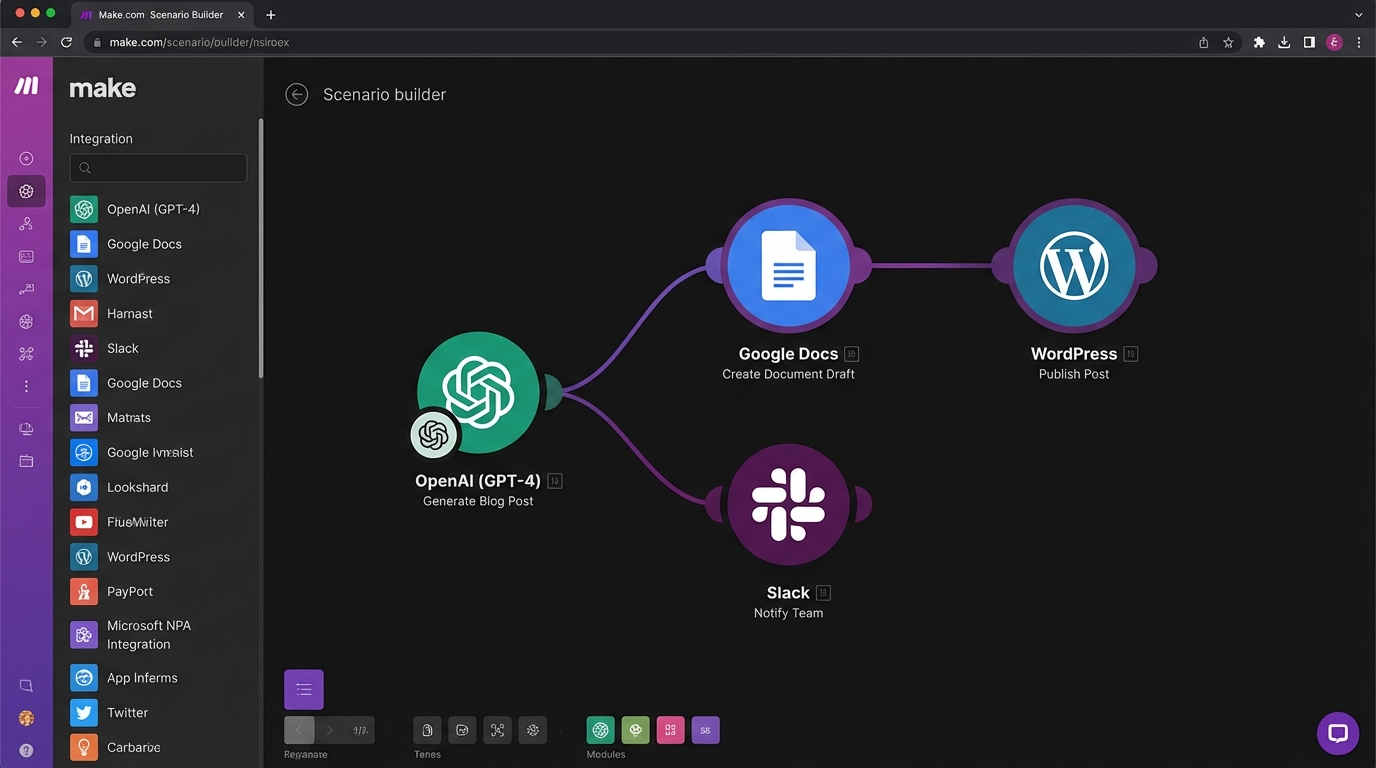
Building AI Content Workflows with Make.com: Complete Guide
Learn how to build automated AI content workflows using Make.com. Step-by-step guide to integrating OpenAI, Claude, WordPress, and Ghost for automated content creation.

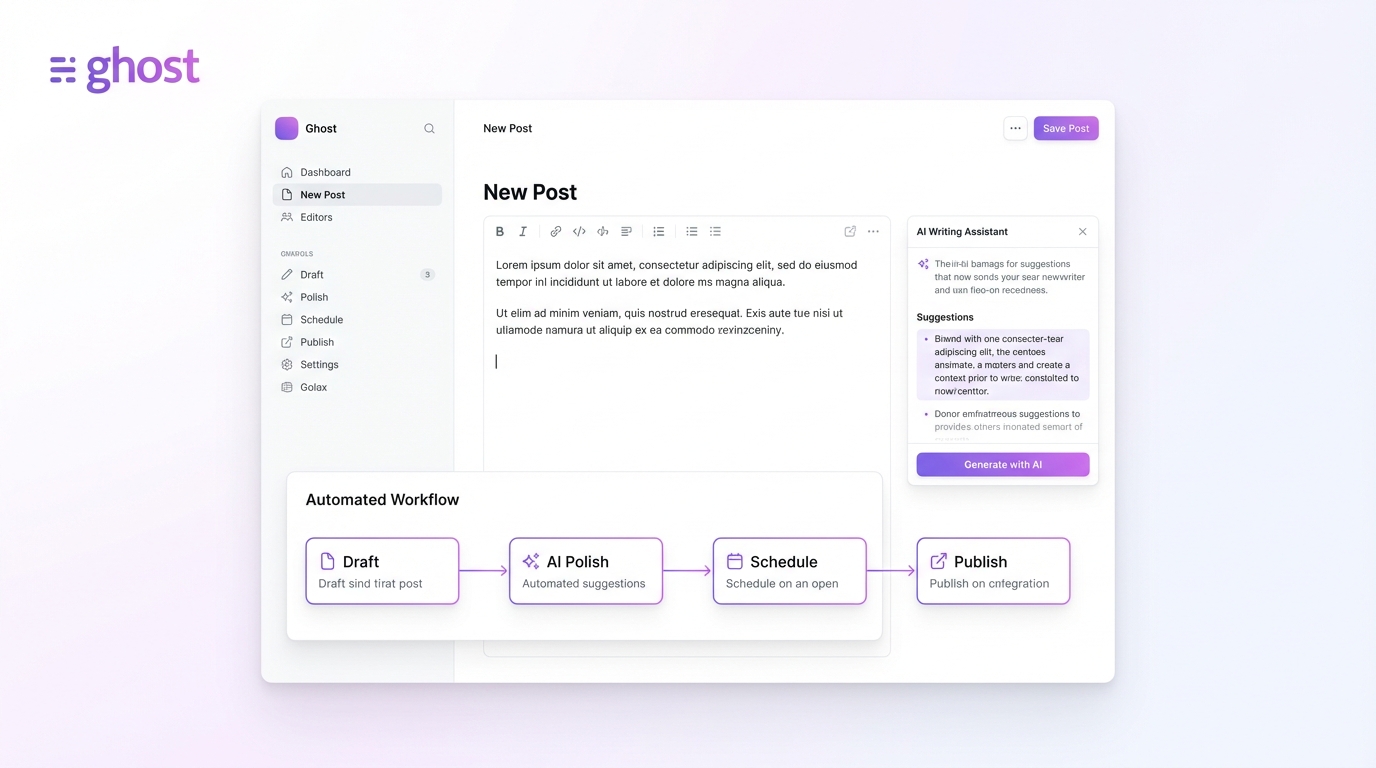
Ghost CMS + AI: Building an Automated Content Workflow
Learn how to automate your Ghost CMS content creation with AI. Complete guide to integrating AI tools, APIs, and automation platforms for streamlined publishing.
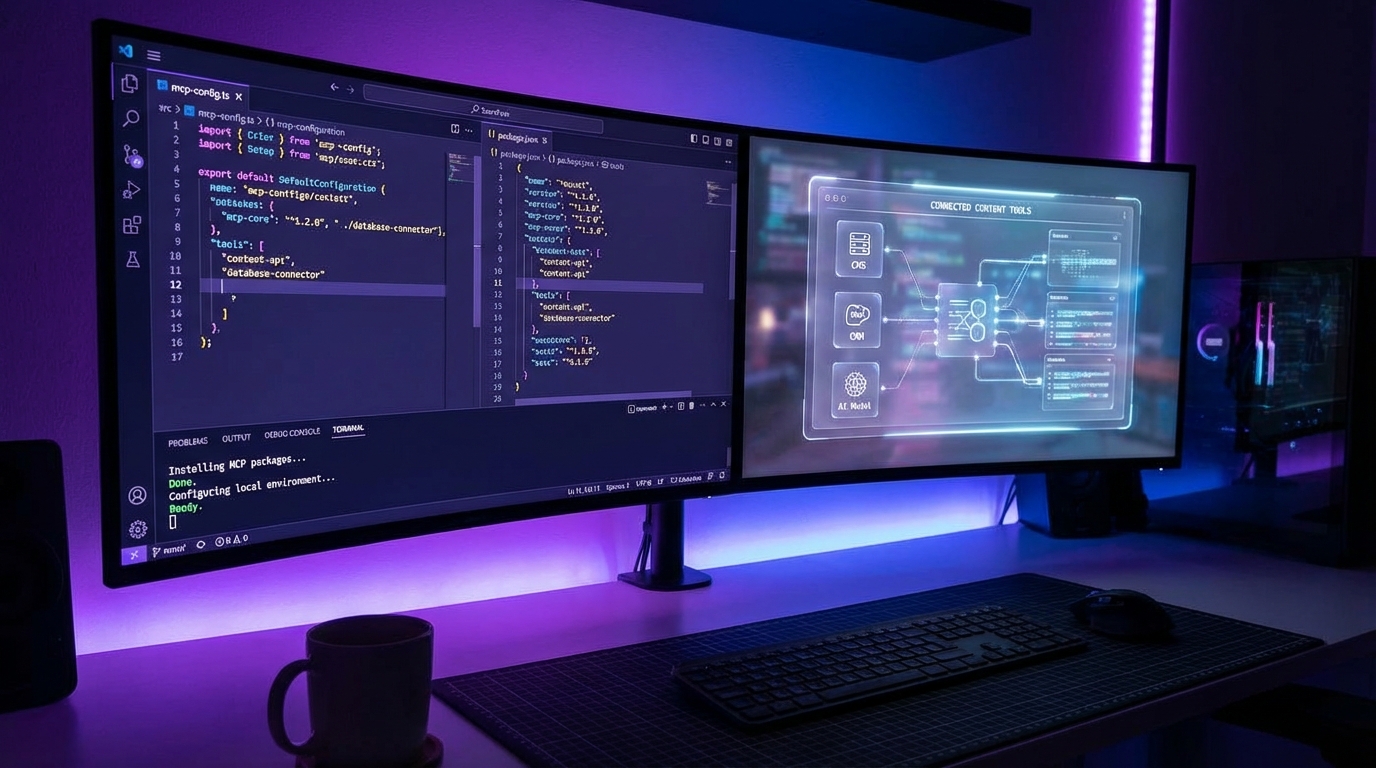
MCP Tools for Automated Blog Writing: Complete Setup Guide
Learn how to set up MCP (Model Context Protocol) tools for automated blog writing with Claude Desktop, Cursor, and ChatGPT. Step-by-step tutorial with code examples and best practices.